Draw Your Cart Early Patches (Nov 2026)
What the first two weeks of live updates mean for ink, bosses, duels, and your favorite cart shapes.
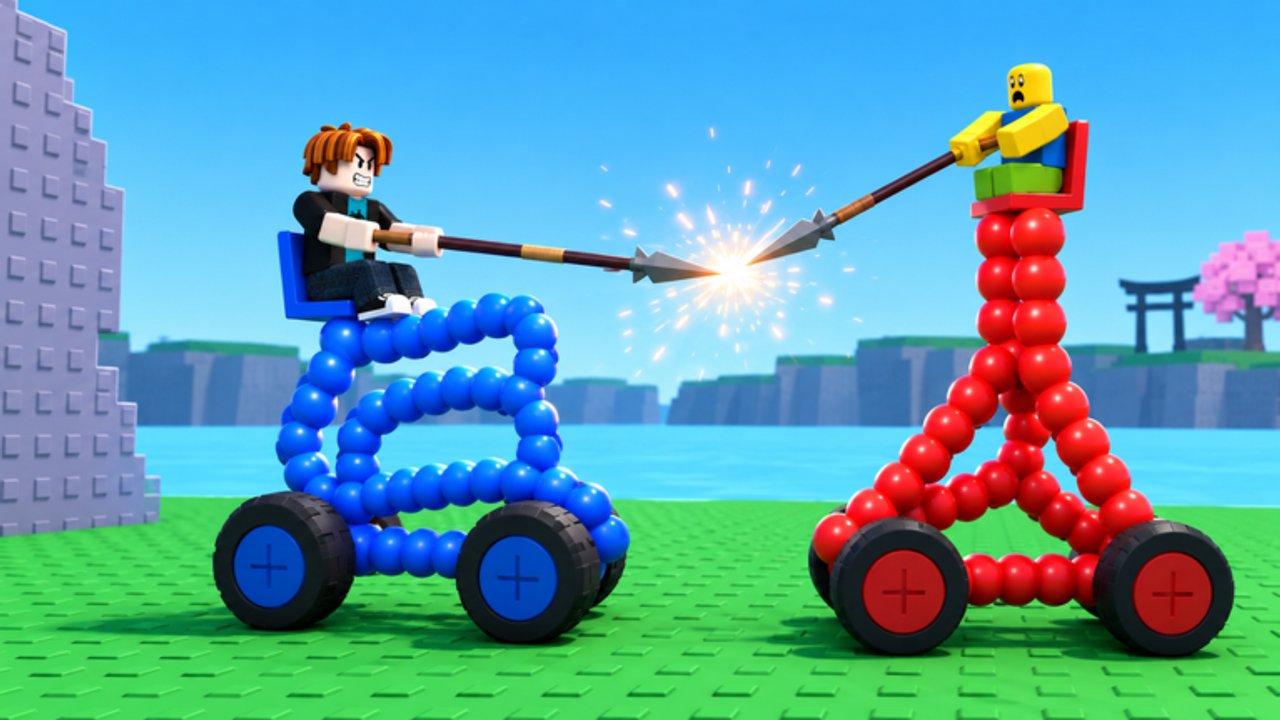
Draw Your Cart did not freeze on launch day. SendyStudios shipped the experience on November 9, 2026, and the Roblox place continued showing a live Updated timestamp through November 25, 2026. This page is the practical patch journal for that opening window: what the counters say, what early-life fixes usually touch in a drawing-combat party game, and exactly what you should re-test after every hop into a fresh server.
For day-one feature inventory, keep Launch Notes open. For the hub overview, see Updates.
Snapshot numbers (checked November 25, 2026)
Live Roblox universe data around wiki research time:
- Universe ID: 10775599302
- Place ID: 96040168895349
- Created: November 9, 2026
- Updated: November 25, 2026 (afternoon UTC sample)
- Visits: ~767,000
- Playing (sample): ~13,800 concurrent
- Favorites: ~30,200
- Max players per server: 6
- Genre tags: Party & Casual → Coloring & Drawing
- Creator: SendyStudios group
Counters move every minute. Use them as order-of-magnitude proof that the studio is iterating under real load — not as eternal scoreboard facts.
What “Updated November 25” means for players
Roblox’s experience Updated field advancing means the published place received another upload or configuration change. In a brand-new party fighter, that usually maps to some mix of:
- Ink / drawing constraints — spend feel, join detection, or canvas polish
- Drive physics — swipe acceleration, tip-over, wheel traction
- Hit registration — rider knock-offs versus piece breaks
- Water / ground elimination clarity
- Boss pacing on the every-10th-win milestone
- Lobby UI — UPGRADES, SKINS, DUEL, QUESTS, CAREER entry points
- Performance on Mobile and Console during busy six-player servers
- Anti-abuse / stability work that can break shady tools overnight
SendyStudios does not always paste a novel-length patch manifesto into the description. Your job is a five-minute re-test, not a forum argument.
Five-minute re-test checklist after any update
- Draw your known main cart — does rider + wheels + weapon still join for the same ink cost?
- Run one FIGHT! — does swipe timing feel identical?
- Try one intentional rider hit and one water push.
- Open UPGRADES — confirm ink ranks and prices still make sense.
- If you are past 10 wins, skim QUESTS / CAREER for text changes.
- Optional: one DUEL to stress human timing.
- Only then decide whether tier lists need a personal reshuffle.
Document the date and platform. Mobile and Desktop can diverge after client-side tweaks.
How early patches interact with guides
| System | Guide to re-read | Why |
|---|---|---|
| Drawing / ink | How to Draw Carts, Controls | Join rules and input feel |
| Economy | Upgrades and Ink | Coin sinks shift after balance |
| Bosses | Boss Fights | Telegraphs and durability |
| PvP | Duels | 1v1 pressure after physics tweaks |
| Mid-game | Quests and Career | Objectives can clarify post-launch |
| Meta | Weapons, Cart builds | Rankings are hypotheses under patch fire |
If a favorite spear suddenly feels short, assume a live tweak before assuming you “got worse overnight.”
Codes and scripts status during the patch window
Through late November 2026 research:
- Promo codes: still none confirmed — see Codes Hub.
- Scripts: still none widely verified for this exact place — see Scripts Hub. Script index searches returned empty for Draw Your Cart–specific tools.
Early patches often harden the client right when exploit curiosity spikes. Do not “update” your workflow with random loadstrings; update your cart instead.
Community signal vs patch signal
High favorites and concurrent players create noisy comment sections. Prefer:
- Roblox experience description / banners
- SendyStudios group shouts (community link)
- Adam / adamdoesroblx video posts
- This wiki’s Updates Hub and Players Hub
Ignore password-phishing “patch preview” Discords. Official play link: Draw Your Cart on Roblox.
Likely next patch themes (educated watch list)
Based on how similar Party & Casual drawing combat titles mature — not insider leaks:
- Clearer onboarding for first-time drawers
- Boss readability for the 10-win exam
- Cosmetic drops or limited skins once ink economy stabilizes
- Quest text polish after the unlock gate
- Further Mobile performance passes during 10K+ CCU spikes
When any of those land, we will extend this Early Patches page or add dated child notes under /updates/.
Player logging template
Copy into notes after a session:
- Date / time entered
- Platform
- Cart name or shape nickname
- What felt different (draw / drive / hit / boss / UI)
- Keep, tweak, or scrap decision
That habit beats vague “game feels weird” posts and keeps your Guides reading list focused.
Related hubs
November 9 was day zero. November 25 proves the studio is still tuning under hundreds of thousands of visits. Stay flexible, re-test your main cart, and treat every live update as a chance to shed a bad habit — not as a reason to quit the lobby.
Frequently Asked Questions
Quick answers for Draw Your Cart players.
Is Draw Your Cart still updating after launch?
Yes. The experience showed an Updated timestamp through November 25, 2026, after the November 9, 2026 launch.
How big is the game in the early patch window?
Around late November 2026 samples: roughly 767K visits, ~13.8K playing, and ~30K favorites, with six-player servers. Live counters change constantly.
What should I test after a patch?
Redraw your main cart, run one FIGHT, check ink upgrades, verify quest text if unlocked, and only then adjust tier picks.
Did early patches add promo codes?
No confirmed promo codes were verified during this window. Keep watching the Codes Hub and official channels.
Where are full launch details?
See Launch Notes for day-one systems. This Early Patches page focuses on the live iteration window afterward.